How to Add a Product to My Holy Grail
Add products from your favorite retailers directly to your My Holy Grail shelf or to review using the share extension.

It takes less than 30 seconds!Follow these steps:
Find your Product
Open a supported retailer app or website and go to the product page
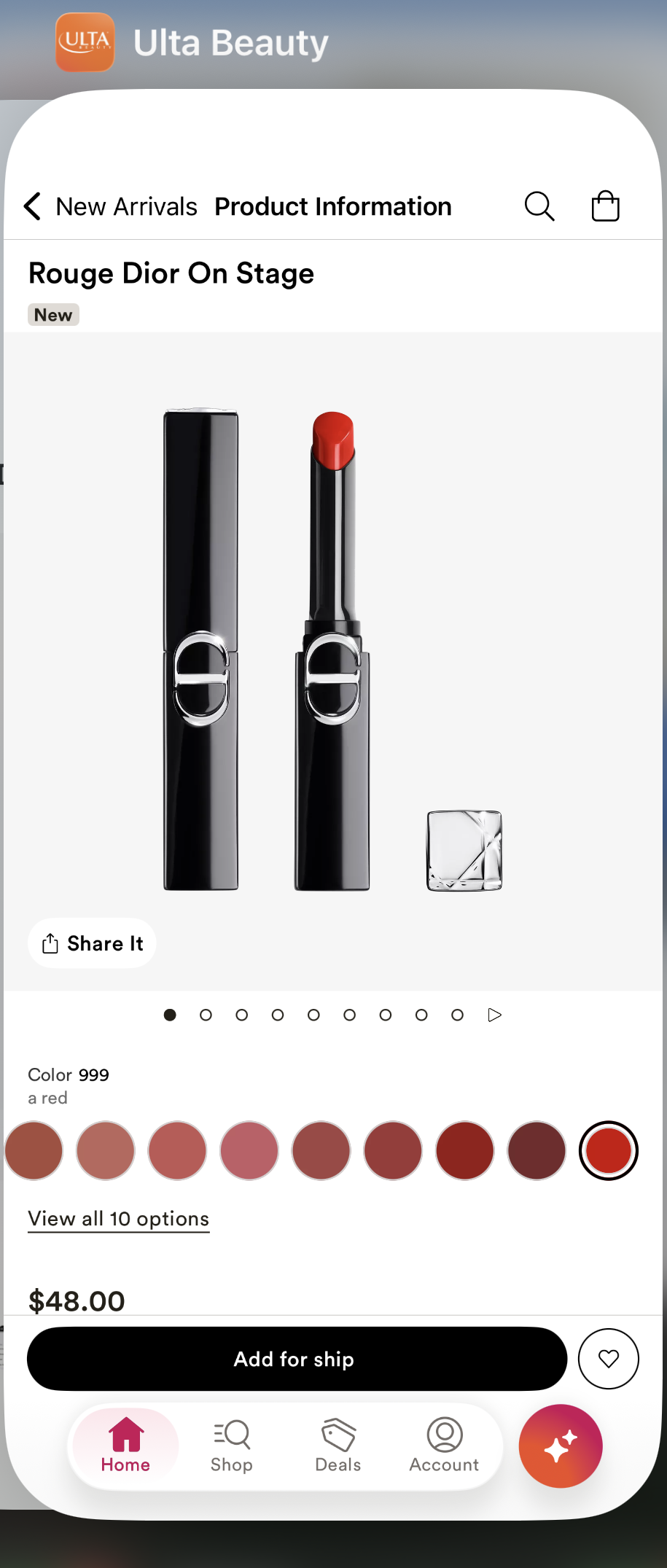
Tap the Share Icon
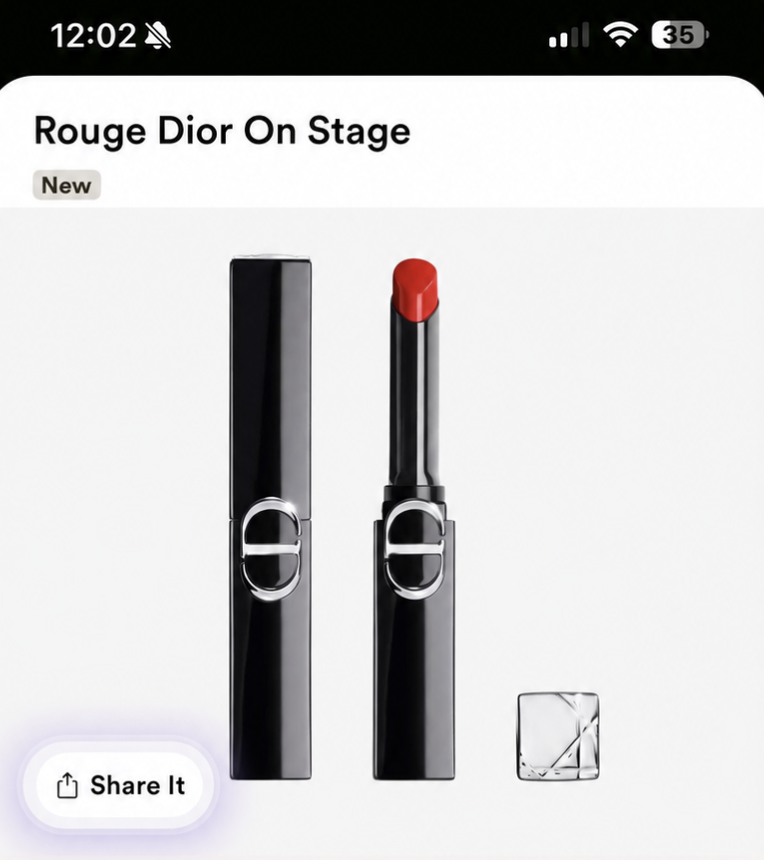
Tap the Share icon on the product page.
Choose My Holy Grail
If you don’t see it, tap More, then select My Holy Grail.

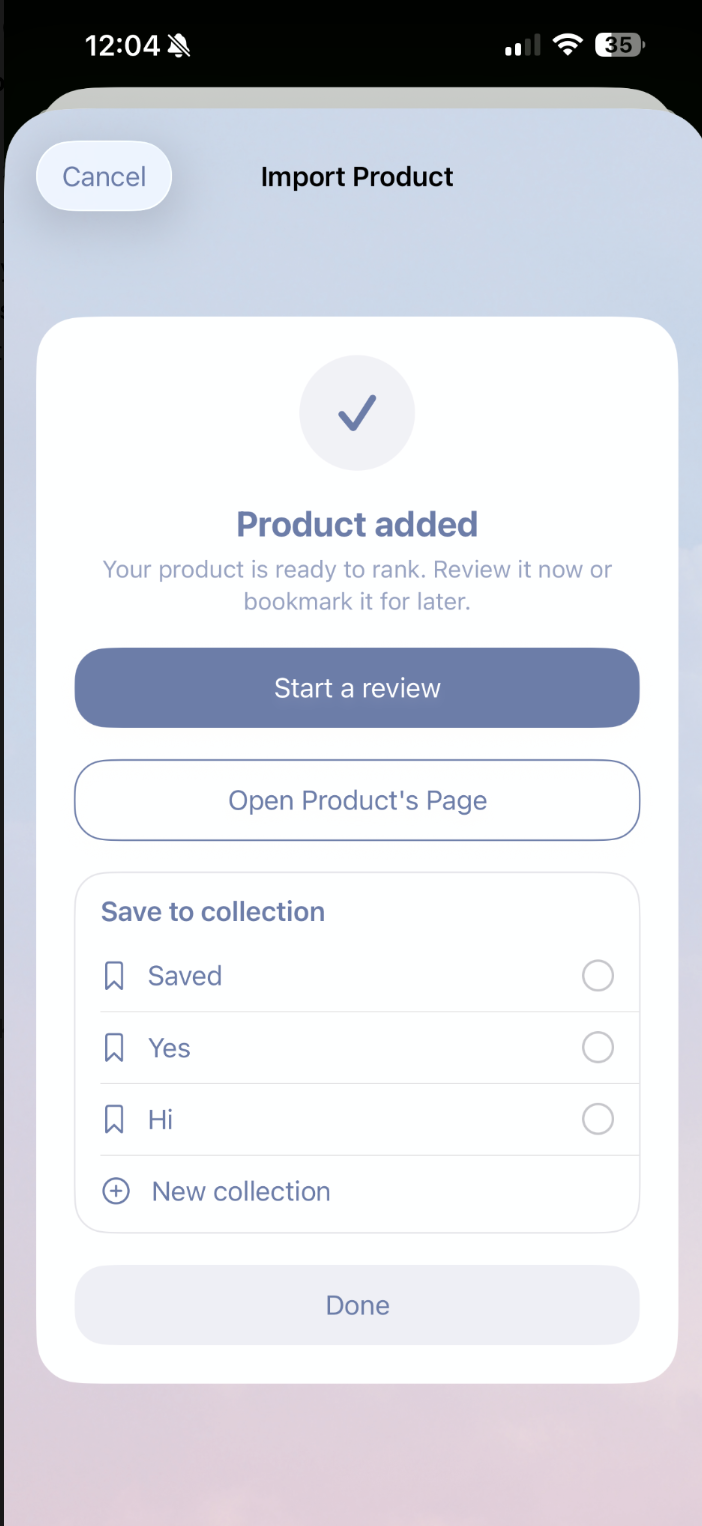
Product Added
Review, open the product page, save to collection for later.